This website uses Cookies. Click Accept to agree to our website's cookie use as described in our Privacy Policy. Click Preferences to customize your cookie settings.

Options
- Subscribe to RSS Feed
- Mark Topic as New
- Mark Topic as Read
- Float this Topic for Current User
- Bookmark
- Subscribe
- Mute
- Printer Friendly Page
Strange Doc bug

Options
- Mark as New
- Bookmark
- Subscribe
- Mute
- Subscribe to RSS Feed
- Permalink
- Report Inappropriate Content
09-07-2023 07:42 AM
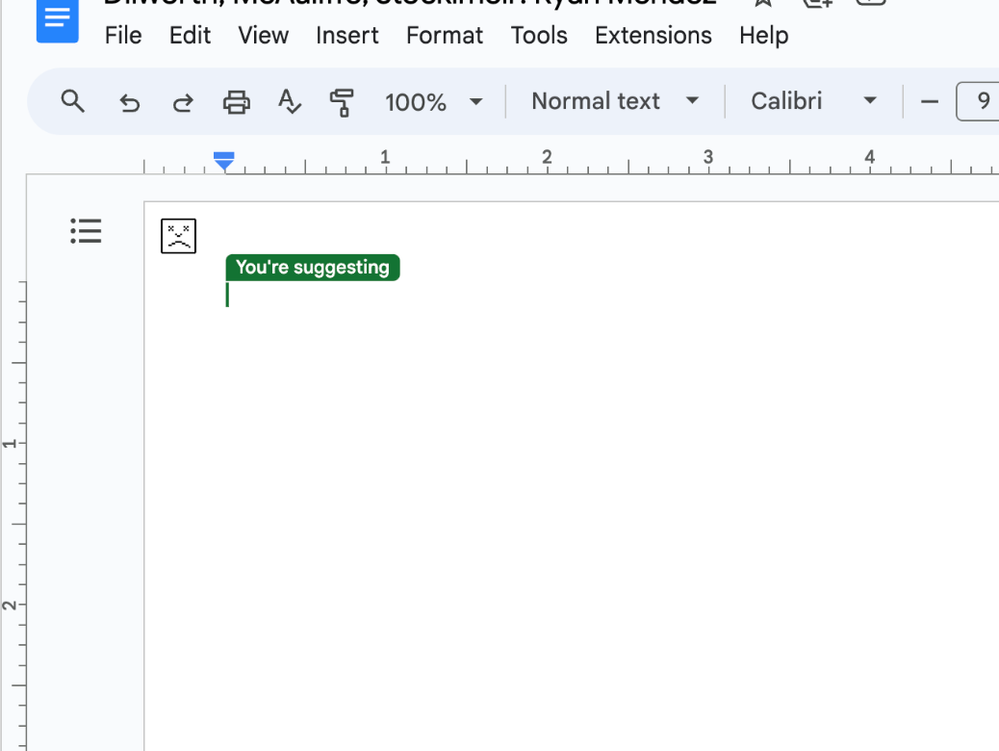
From one of our other schools: "Anyone else seen this weird Google Doc bug? When my principal tries to load docs with tables on them for the PE/Music schedules it shows for a split second, then shows this error face. I've restarted chrome, disabled extensions, unplugged the second monitor..."
This follows the user between devices, so it is account related. Any suggestions?
Mark Loundy (He, Him, His)
Instructional Technology Specialist
De Vargas Elementary School
Ignited Fellow
Google Certified Educator
Topics:
- Topics:
-
Discussion
4 REPLIES 4

Options
- Mark as New
- Bookmark
- Subscribe
- Mute
- Subscribe to RSS Feed
- Permalink
- Report Inappropriate Content
09-07-2023 07:57 AM
First thing I'd want to see is, does it follow to un incognito window on an unmanaged network
Reply
Options
- Mark as New
- Bookmark
- Subscribe
- Mute
- Subscribe to RSS Feed
- Permalink
- Report Inappropriate Content
09-07-2023 09:06 AM - edited 09-07-2023 09:11 AM
Things tried thus far:
- Restart Chrome
- Ensure all updates are complete
- Clear cache/cookies
- Incognito Window
- Reinstall Chrome
- Different browser (Safari)
- Different device (tech support's in an incognito window)
- Different Access Point
- Copying original docs and giving her full editing rights
- Restarting her laptop
- Tried from home network
I'm suggesting trying Firefox, which is a non-Chromium browser.
Mark Loundy (He, Him, His)
Instructional Technology Specialist
De Vargas Elementary School
Ignited Fellow
Google Certified Educator

Options
- Mark as New
- Bookmark
- Subscribe
- Mute
- Subscribe to RSS Feed
- Permalink
- Report Inappropriate Content
09-11-2023 05:47 AM
Were the documents originally created in Google Docs, or actually converted Word files?
--
https://wheretofind.me/@NoSubstitute
https://wheretofind.me/@NoSubstitute
Reply

Options
- Mark as New
- Bookmark
- Subscribe
- Mute
- Subscribe to RSS Feed
- Permalink
- Report Inappropriate Content
09-11-2023 04:37 PM
You might also look at earlier versions of the document (if they exist), as you might be able to find where the break occurred. I'm leaning towards it not be an "account" issue, but rather a document issue where something was pasted in that the system does not like.

Subscribe
Related Content
